【Engineer's Picks】Free and Secure Online PDF Editing Service Guide: No More Relying on Designers!

1. Introduction: Solving Minor PDF Editing Puzzles on Your Own
When working in development or operations, minor yet urgent editing tasks often arise during the final stages of document creation—like needing to delete just one page from a PDF or merge multiple reference materials into one.
In such situations, going through the trouble of requesting an expensive Adobe Acrobat Pro license or humbly asking a busy designer to “just delete this one page” is extremely costly for engineers (in terms of time and psychological barriers). The real feeling is probably, “If only we could quickly handle this ourselves...”
In fact, if you select tools from an engineer's perspective, environments already exist that allow free, online, and secure professional-level editing. In this article, as a technical writer with an engineering background, I'll introduce carefully selected free PDF tools that balance technical reliability and practicality.
--------------------------------------------------------------------- -----------
2. The Key to Selection: Two Methods for Assessing the “Safety” of Online PDF Tools
The biggest concern with using online tools is “security.” As an engineer, you should judge their safety based on the “data processing logic,” not marketing claims.
Local Processing Type (Browser-Based)
Example: Benri-Kit This approach utilizes JavaScript libraries like pdf-lib or PDF.js to manipulate PDFs directly within the browser's RAM (memory). Files never cross the network card to external servers; processing is entirely “client-side.”
* Advantage: Structurally eliminates the risk of information leaks, even for files containing confidential documents or personal information.
* Disadvantages: Processing power depends on the user's device specifications (memory capacity).
Server-Processing Type
Representative Examples: Smallpdf, PDF24, iLovePDF This method involves uploading the file to the service's dedicated server for processing.
* Advantages: Utilizes server-side computational resources, avoiding load on your PC and enabling fast processing of complex OCR tasks, AI analysis, and large file conversions.
* Disadvantages: Files are temporarily stored on external servers.
* Security: Many reputable services minimize risks by implementing 256-bit TLS encrypted communication and automatic deletion policies after a set period (typically within one hour) following processing.
----------------------------------- ---------------------------------------------
3. [In-Depth Guide] 4 Top-Notch Free Online PDF Services
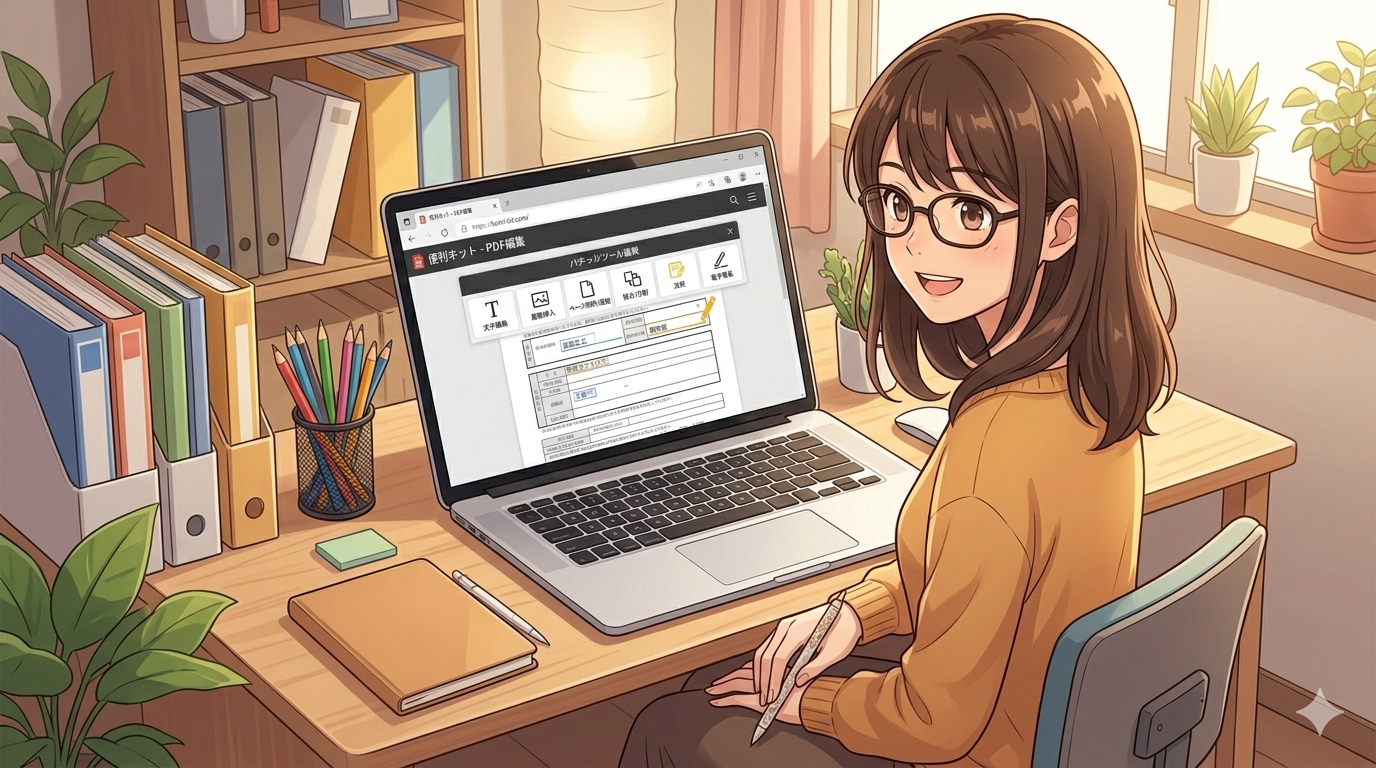
3.1 Benri-Kit (Ultimate Confidentiality & Engineer-Focused)
This tool structurally guarantees the peace of mind that “files never leave your device.”
* Key Feature: All logic runs within the browser. Using pdf-lib, it combines pages without re-encoding, producing output nearly identical in size to the original file with no image quality loss.
* Main Functions: Merge, rotate, delete pages, extract text in Markdown format, rename multiple files sequentially.
* Japan-Specific Convenience Feature: Includes an electronic seal function to generate and apply round seals, square seals (company seals), and date stamps directly in the browser.
* Bonus Tools for Developers: Beyond PDF editing, it includes conversion tools engineers use daily: Base64 encoding/decoding, URL encoding, JSON formatting, and Unicode conversion.
* Technical note: Due to library limitations, PDF bookmarks (outlines) may not be preserved during merging.
3.2 PDF24 Tools (Overwhelmingly versatile and forgiving)
True to its slogan “There's almost nothing PDF can't do,” it boasts an exceptionally rich suite of tools.
* Key Feature: No artificial restrictions like “daily usage limits” common in many free tools (ad-supported model).
* Notable Functions: Directly converts webpages to PDF, compares two PDFs structurally (not just binary), and supports PDF overlay.
* Security Workaround: The Windows desktop version “PDF24 Creator” offers equivalent functionality completely offline and is provided free of charge.
3.3 Smallpdf (Intuitive Operation and Cutting-Edge AI)
A modern platform actively incorporating the latest AI technology.
* Advanced Security: Features high organizational security with ISO/IEC 27001 certification, GDPR compliance, and 256-bit TLS encryption.
* AI Features: Includes “AI Summary” and “Chat with PDF” functions. Streamline workflows by extracting or summarizing essential information from lengthy specifications.
3.4 iLovePDF (Advanced Editing and Repair)
A long-established service renowned for its Office conversion fidelity and data recovery capabilities.
* High-Precision Conversion: Excels in bidirectional conversion accuracy with Word and Excel, minimizing font corruption.
* PDF/A Support: Supports conversion to PDF/A, the international standard for long-term archiving (permanent storage).
* Repair Function: The “PDF Repair Tool” salvages data from corrupted, unopenable PDF files, serving as an engineer's ally in emergencies.
----------------------------------- ---------------------------------------------
4. At-a-Glance! Feature & Security Comparison Chart
Tool Name Processing Location Key Features Special Features Security
Benri-Kit Local Merge, Rotate, Delete Digital Seal, JSON Formatting, Base64 No server upload (pdf-lib-based)
PDF24 Tools Server Extensive toolset Web page conversion, PDF comparison TLS encryption, auto-delete, unlimited use
Smallpdf Server AI summarization, UI usability AI chat, 256-bit TLS ISO 27001 certified, GDPR compliant
iLovePDF Server Office file conversion PDF repair, PDF/A for long-term archiving TLS encryption, auto-delete
※Benri-Kit Technical Limitations
* Text extraction: Since PDF.js is used, extraction from scanned images (unprocessed by OCR) is not possible.
---------------------------------------------------- ----------------------------
5. How to Choose the Best Tool for Your Use Case
Recommended scenarios for differentiation from an engineering perspective are as follows:
* When handling highly confidential company documents or personal information
* Recommended: Benri-Kit (Data never leaves the browser, minimizing risk of violating internal regulations)
* When urgently needing to apply a digital personal seal or company seal
* Recommended: Benri-Kit (Powerful Japan-specific electronic seal generation)
* When wanting to perform conversion tasks alongside development/IT workflows
* Recommended: Benri-Kit (Developer tools like Base64 and JSON formatting available on the same screen)
* When needing to convert large volumes of Office documents to PDF with high fidelity, or vice versa
* Recommended: iLovePDF or Smallpdf (Powerful server-side conversion engines)
* When you want AI to summarize long documents and review content in Q&A format
* Recommended: Smallpdf (Integrated AI chat/summary features)
* When you want to work in a completely closed environment without even using a browser
* Recommended: PDF24 Creator (Using the desktop app)
--------------------------------------------------------------------------------
6. Conclusion: Safely Mastering Useful Tools
Rather than blanket prohibitions like “free online tools are dangerous,” understanding their processing methods (local vs. server) and encryption standards to use them appropriately is the smart, engineer-like approach.
Armed with these tools, you eliminate the hassle of requesting minor fixes from designers and the wait for expensive software licenses. Choose the optimal “tools” to boost your own and your team's productivity.
Translated with DeepL.com (free version)